

동의 화면으로 연동하기 (launchUI)
UI Theme 설정 (Android)
페어리 UI 테마 커스터마이징
launchUI 로 열리는 페어리 UI 화면(동의 화면, 캐시백 웹 등)의 테마를 앱에 맞게 조정할 수 있습니다.
status bar color 바꾸기
섹션 제목: “status bar color 바꾸기”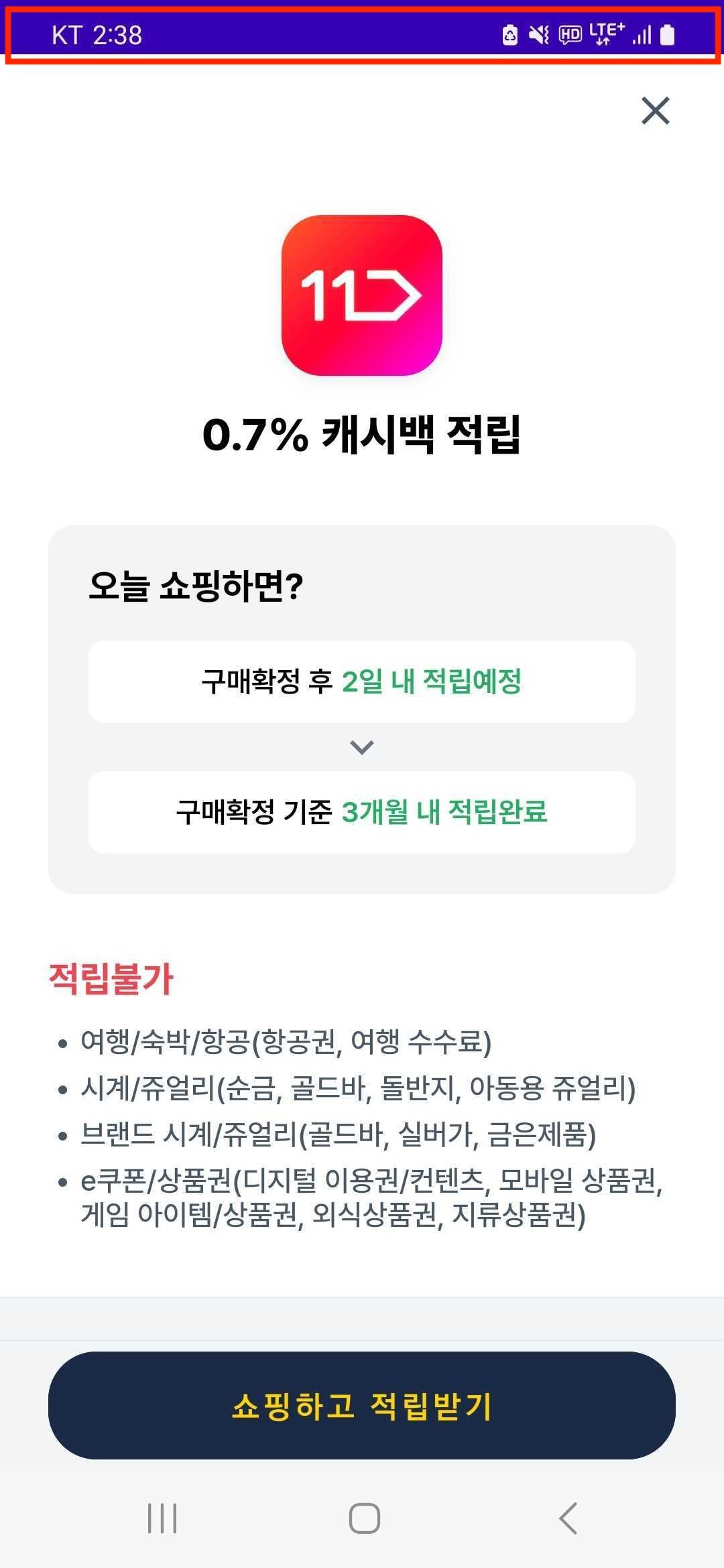
페어리 UI가 보이는 화면에서 상단의 status bar(빨간색 박스 부분) 색상을 customize하고 싶은 경우, 앱의 themes.xml에 momentCashbackStatusBarColor style attribute를 추가해주세요.
<resources> <style name="AppTheme" parent="..."> ... <item name="momentCashbackStatusBarColor">@color/custom_color</item> </style></resources>별도의 style attribute를 지정하지 않는 경우, 앱의 status bar color와 같은 색의 status bar color를 사용하게 됩니다.